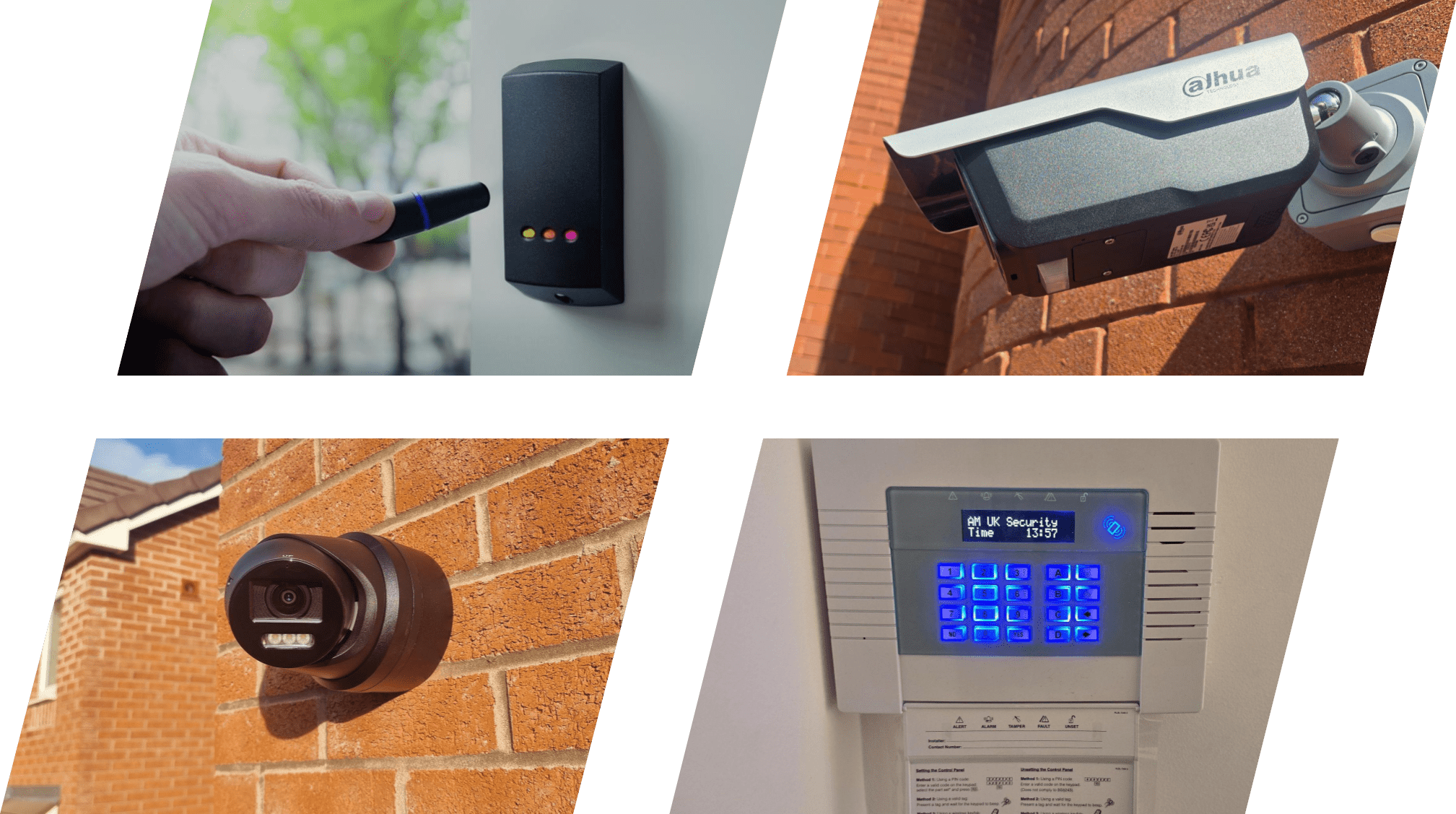
Upgrading to high-definition 4K Ultra-HD IP security cameras delivers exceptional image clarity, allowing facility managers, business owners, and security teams to capture sharp facial features, fine product details, and crisp vehicle registration plates. However, deploying a fleet of high-resolution 4K cameras places significant demands on your local network and storage systems.
Without proper IT infrastructure planning, high-bitrate video streams can cause network congestion, dropped video frames, choppy live viewing, and even disruption to core corporate IT operations.
In this guide, we detail the core network infrastructure requirements for commercial 4K IP CCTV systems—explaining compression codecs, Power over Ethernet (PoE) power budgets, network switch selection, VLAN segmentation, and storage calculations for 30-day retention.
1. Video Compression Standards: H.264 vs. H.265 / H.265+
The foundation of bandwidth and storage management in modern IP CCTV is video compression. Video codecs compress raw image data before transmitting it across the network to your Network Video Recorder (NVR) or server.
- Legacy H.264 (AVC): Uncompressed or standard H.264 4K video streams running at 15–20 frames per second (fps) require a high bitrate—typically between $8\text{Mbps}$ and $12\text{Mbps}$ per camera. On an 8-camera system, this creates a continuous network load of nearly $100\text{Mbps}$.
- Modern H.265 (HEVC): H.265 efficiency algorithms reduce video bitrates by up to 50% compared to H.264 while maintaining identical 4K image quality. A typical H.265 4K stream requires roughly $4\text{Mbps}$ to $6\text{Mbps}$.
- Smart H.265+ / Dynamic Codecs: Proprietary smart encoding algorithms (such as Smart H.265+ or H.265 Zipstream) analyze static background scenes and encode only moving subjects (such as humans or vehicles). This reduces required bitrates down to $2\text{Mbps}$–$4\text{Mbps}$ in normal conditions, freeing up massive amounts of network bandwidth and drive space.
2. Power over Ethernet (PoE) Budgets and Switch Selection
Modern IP cameras utilize Power over Ethernet (PoE), drawing both network data transmission and electric power over a single Cat6 copper ethernet cable. To ensure stable performance, network switches must support appropriate PoE standards and power budgets:
PoE Standards Breakdown:
- Standard PoE (IEEE 802.3af): Delivers up to $15.4\text{W}$ per port. Suitable for standard fixed indoor dome or bullet cameras without high-power infrared illuminators.
- PoE+ (IEEE 802.3at): Delivers up to $30\text{W}$ per port. Essential for high-power 4K outdoor cameras featuring motorized varifocal lenses, full-color LED floodlights, or long-range IR matrix LEDs.
- Hi-PoE / PoE++ (IEEE 802.3bt): Delivers up to $60\text{W}$–$90\text{W}$ per port. Required for high-draw Pan-Tilt-Zoom (PTZ) speed domes, thermal units, and cameras operating in extreme outdoor environments with built-in lens heaters and defoggers.
Calculating Switch Power Budgets
When selecting a PoE switch, verify the total PoE Power Budget across all ports simultaneously. For example, a 16-port switch supplying $30\text{W}$ per port needs a total PoE power budget of at least $240\text{W}$ to $300\text{W}$ to handle full-load operation without port tripping or camera reboot loops.
3. Network Bandwidth Optimization and VLAN Segmentation
To prevent security camera traffic from slowing down office computers, VoIP phones, or customer Wi-Fi networks, commercial IP CCTV networks should be physically or virtually separated from corporate IT traffic.
Virtual Local Area Networks (VLANs)
Configuring a dedicated CCTV Virtual Local Area Network (VLAN) on managed network switches isolates camera data traffic completely. Benefits include:
- Elimination of Network Congestion: Camera data streams remain strictly contained within the security VLAN, preventing broadcast storms or lag on corporate computers.
- Enhanced Cybersecurity Protection: Isolating IP cameras behind firewalls and VLAN tags prevents unauthorized users or malicious actors from using network cameras as entry points into sensitive company databases.
- Quality of Service (QoS): Priority bandwidth tagging ensures NVR recording streams retain absolute network priority, preventing dropped video frames during heavy office network usage.
4. Storage Sizing for 30-Day Video Retention
Calculating storage capacity for 4K video retention depends on the number of cameras, frame rates, compression codecs, and daily recording hours (continuous vs. motion-triggered).
Estimating Storage Requirements:
For a standard commercial setup running 8 x 4K IP cameras operating at $15\text{fps}$ using H.265 compression for 30-day continuous retention:
- Average Bitrate per Camera: $\sim 4\text{Mbps}$
- Daily Data per Camera: $\approx 42\text{GB}$ / day
- Total Daily Storage (8 Cameras): $\approx 336\text{GB}$ / day
- 30-Day Required Hard Drive Capacity: $\approx 10.08\text{TB}$ (a minimum of $12\text{TB}$–$16\text{TB}$ usable storage capacity is recommended to allow headroom).
Enterprise & Surveillance-Grade Hard Drives
Standard desktop hard drives are designed for light 8-hour daily use and intermittent reading. In contrast, surveillance-grade hard drives (such as Western Digital Purple or Seagate SkyHawk) are engineered specifically for 24/7 write-heavy workloads, higher vibration resistance, and multi-stream write stability across large camera arrays.
Optimize Your Security Infrastructure with AMUK Security
Deploying 4K IP CCTV requires combining high-resolution optical cameras with robust, enterprise-grade network infrastructure. Expert network cabling, managed PoE switches, and optimized storage topology ensure your system captures every critical detail without compromising network speed or system stability.
At AMUK Security, we design, install, and support commercial IP CCTV, managed network switches, and structured Cat6/fiber cabling networks across Warwickshire and the West Midlands.
Planning a 4K IP CCTV installation or looking to optimize your security network bandwidth?
Contact AMUK Security today to schedule an expert commercial IT and security infrastructure audit.